The principal asked me to set up an internal MX server for the school. I approached the task by first developing and testing everything in my homelab, which consists of a home router and two generic laptops used for testing. I borrowed a switch from the school and configured it according to the standards I had been taught at university, then connected the devices together into a small isolated network. This gave me a safe environment where I could break things without affecting anything the school actually depended on.
On the laptop acting as the server, I installed a dockerized version of Mailcow. I chose it because it is relatively simple to deploy and only requires configuration rather than building a mail server from scratch. Mailcow bundles several components into a single stack: a webmail interface, Rspamd for spam filtering, Postfix for SMTP and an administrative UI for managing domains and mailboxes. Deploying it through Docker meant the whole stack could be brought up, torn down and rebuilt quickly during testing, which mattered a lot given how much trial and error was involved.
I opened ports 25, 80, 443, 465 and 587, since these are the inbound and outbound ports mail requires. Port 25 handles server to server SMTP traffic, 587 and 465 handle client submission, and 80 and 443 serve the web interfaces and certificate validation. Moldovan ISPs commonly block port 25 by default to limit spam originating from residential connections. Because I had prior experience dealing with this provider, a single phone call was enough to get the port unblocked. Everything initially ran behind a dynamic IPv6 address and later a static one. Once the static address was in place the setup worked reliably.
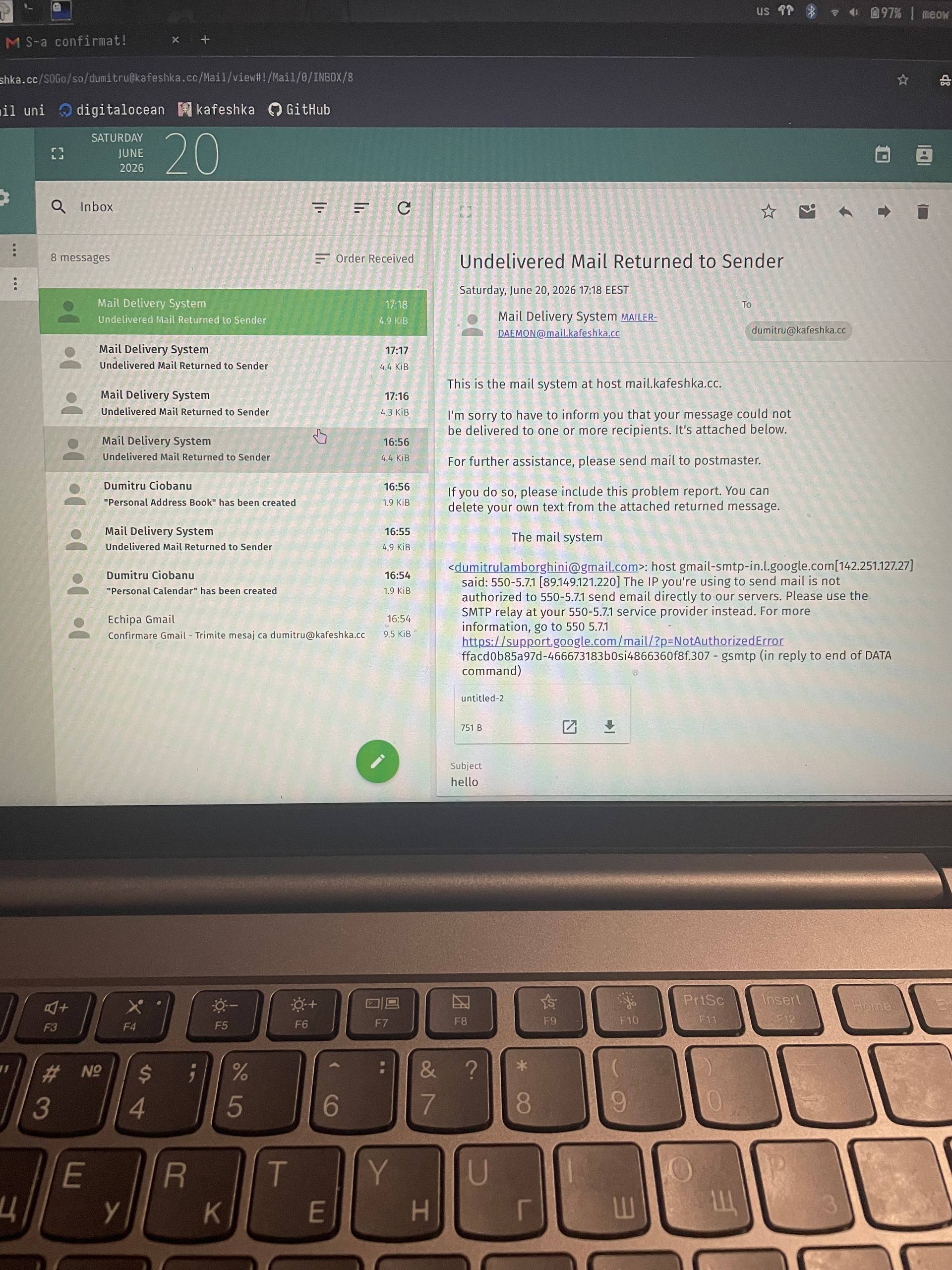
The school would use this interface internally, but the system also had to work for external correspondence. Staff need to reply to people outside the network, whether that is parents asking for assistance or the Ministry of Education contacting the school about administrative matters. To handle this I set up secondary addresses on Google mail for each staff member, relaying outbound mail through Google's SMTP so messages would not land in recipients' spam folders. Deliverability is the hardest part of running a small mail server, since a new IP address with no sending reputation is treated with suspicion by every major provider. Relaying through Google solves that problem instantly, which is convenient, but it also means depending on an external commercial provider for something the school is supposed to control. I found that both useful and limiting.
I built the setup, but it was not approved. Public institutions in Moldova are required to follow Government Decision no. 546 of 20.07.2011, which governs how state institutions handle electronic communications and where that data may reside. Routing official school correspondence through a third party service outside that framework was not acceptable, so the Google relay approach had to be abandoned, while the email intranet continued to testing.
Meanwhile I tested creating user accounts, which involved a fair amount of trial and error. It quickly became clear that creating each account by hand in the Mailcow admin interface would not scale. A school has hundreds of staff and students, and manually entering each one would be slow, error prone and impossible to keep synchronized as people join and leave. The system needed directory driven provisioning, with a central identity provider acting as the single source of truth.
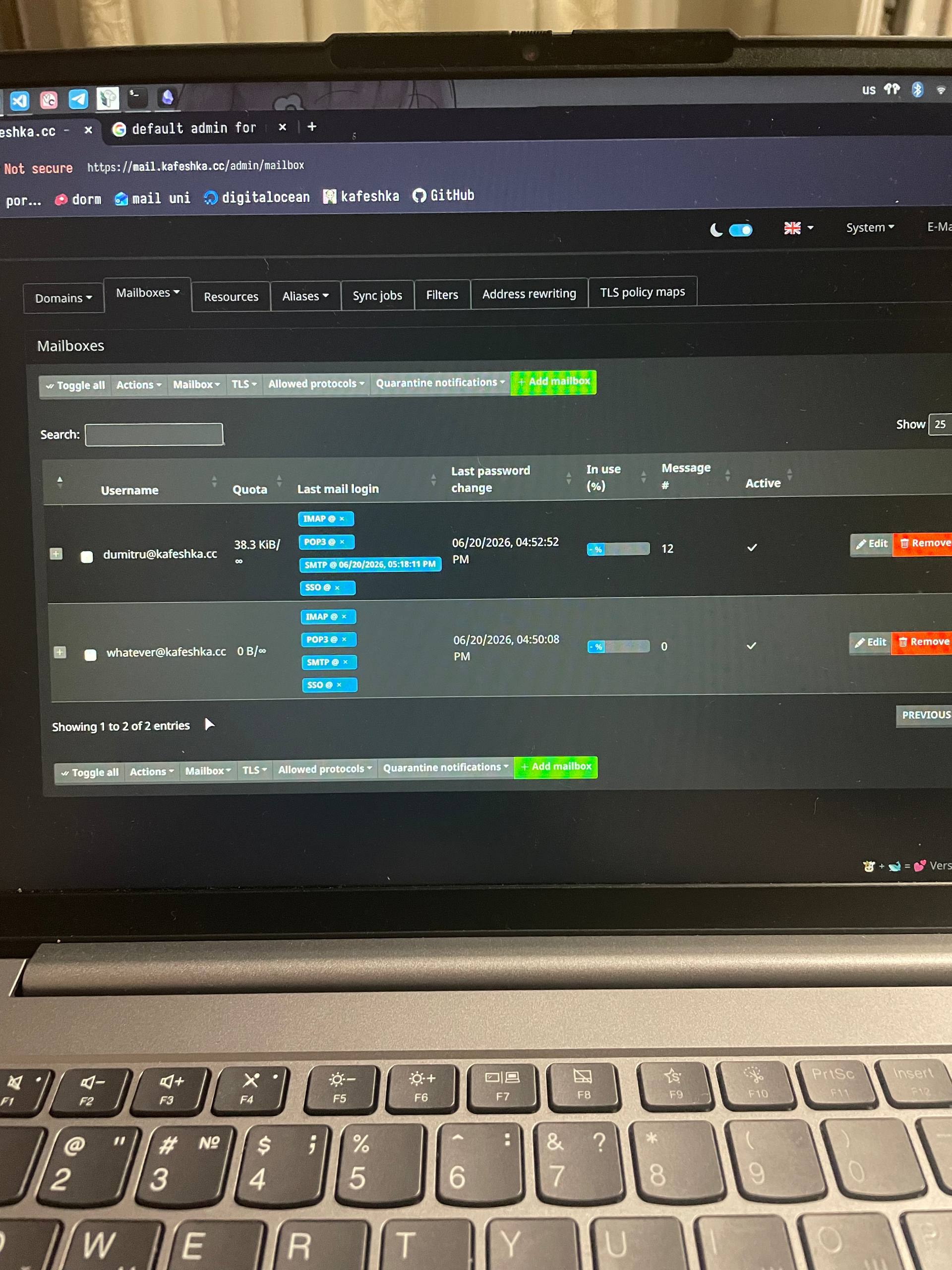
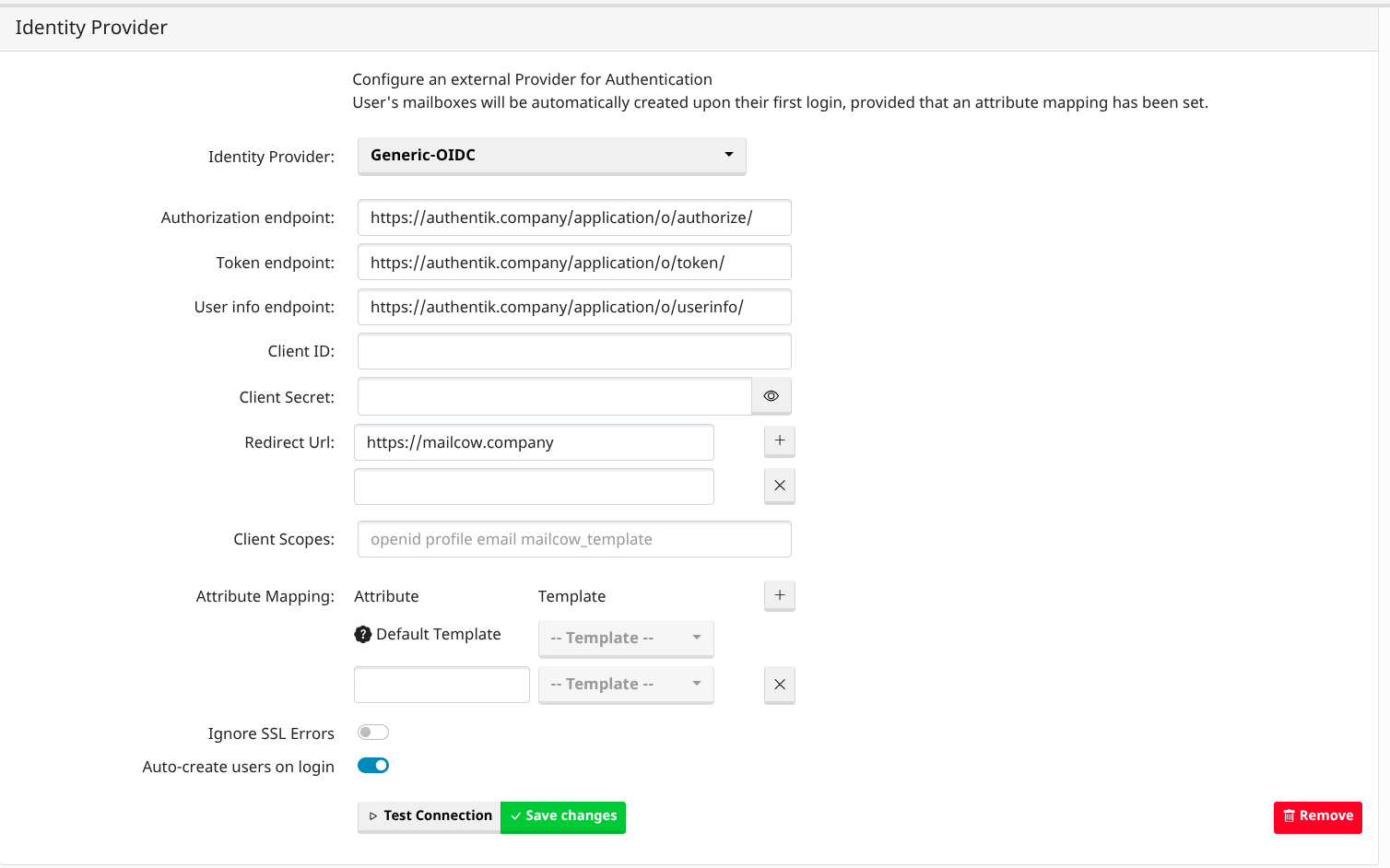
I chose Authentik for this, running on Debian alongside the rest of the stack. The alternative was a bare OpenLDAP server, which would have been lighter, but Authentik gives a proper administrative interface rather than hand edited configuration files and access control lists. That matters when the person maintaining this after me may not be comfortable writing LDIF. It also speaks both LDAP and OIDC, so the same directory can serve the ticketing system and monitoring tools the school still needs, rather than being useful for mail alone.
In practice this means Authentik holds the list of people and the mail server reads from it rather than maintaining its own separate user database. I created two groups, one for staff and one for students (experimental, for the time being), so each can be given different policies and quotas independently. I then enabled Authentik's LDAP outpost, which presents the directory over LDAPS on port 636 in a form Mailcow understands, and created a read only service account for Mailcow to bind with. That account can look users up but cannot change anything in the directory.
When someone is added in Authentik a mailbox is provisioned for them without any manual step, and when an account is deactivated that person loses mail access immediately. Authentication is delegated as well, so passwords live in one place and staff use a single set of credentials across every school service rather than remembering a separate mail password.
Beyond mail itself, several supporting systems are still missing. The school needs a ticketing system so users have somewhere to report problems, monitoring with alerting so we know when the mail service goes down rather than hearing about it from users, backup storage separate from the homelab so nothing is lost if the test environment fails and a migration path for existing mail data from any previous provider.
I also sketched a timeline for moving from repurposed laptops and a borrowed switch to real production infrastructure on a budget level. The mail server itself works. Without these supporting systems around it, it would never be maintainable at scale.
test